Ghost Mannequin Generator
Upload an on-model, flat lay, or hanger photo and get a hollow, invisible-mannequin product image in seconds — free, no Photoshop, no reshoot.
Try the ghost mannequin tool
Drop a photo below. Free credits included, no signup required.
Fast, 1K, standard mannequin.
No photo handy? Generate a free sample to see the effect.
What Is a Ghost Mannequin?
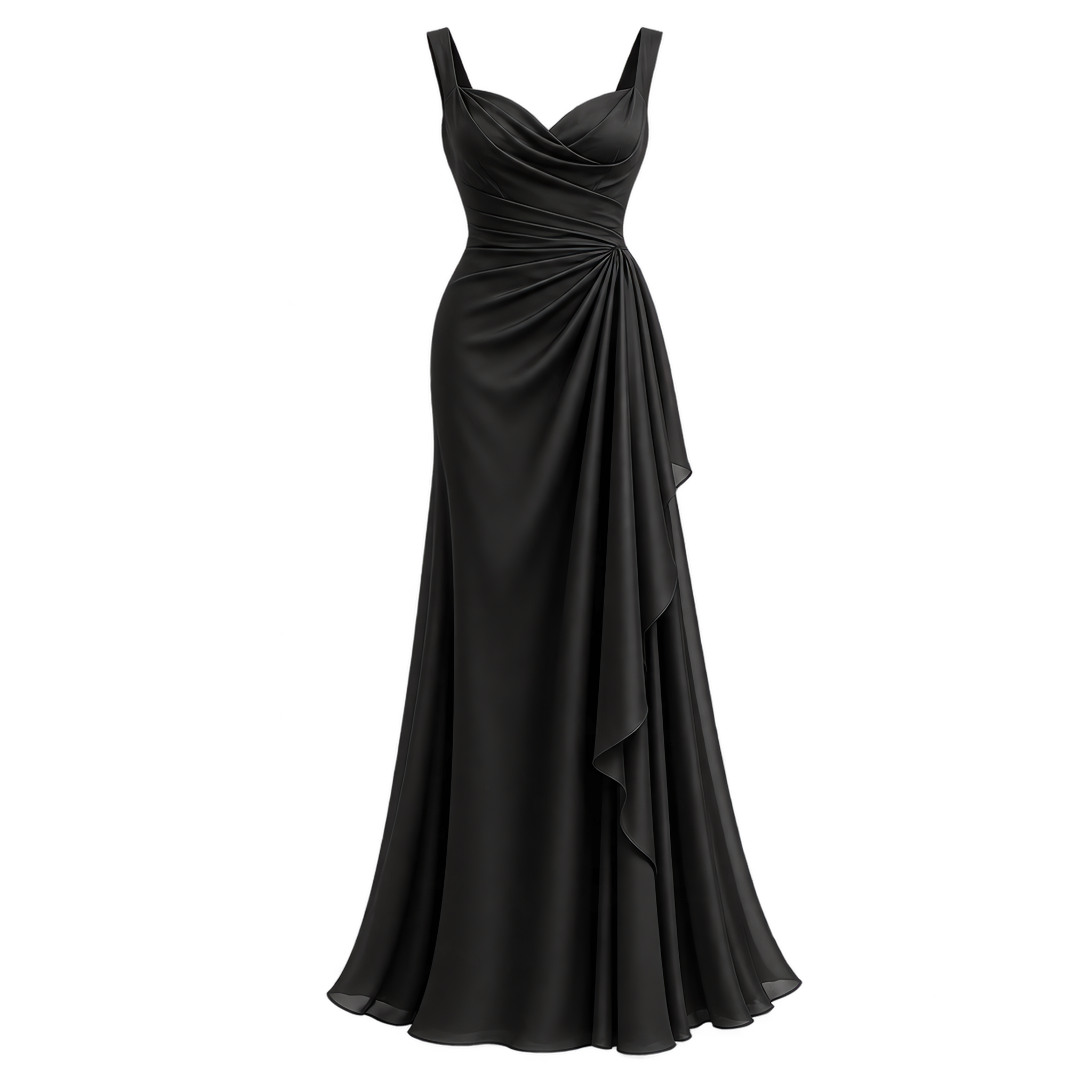
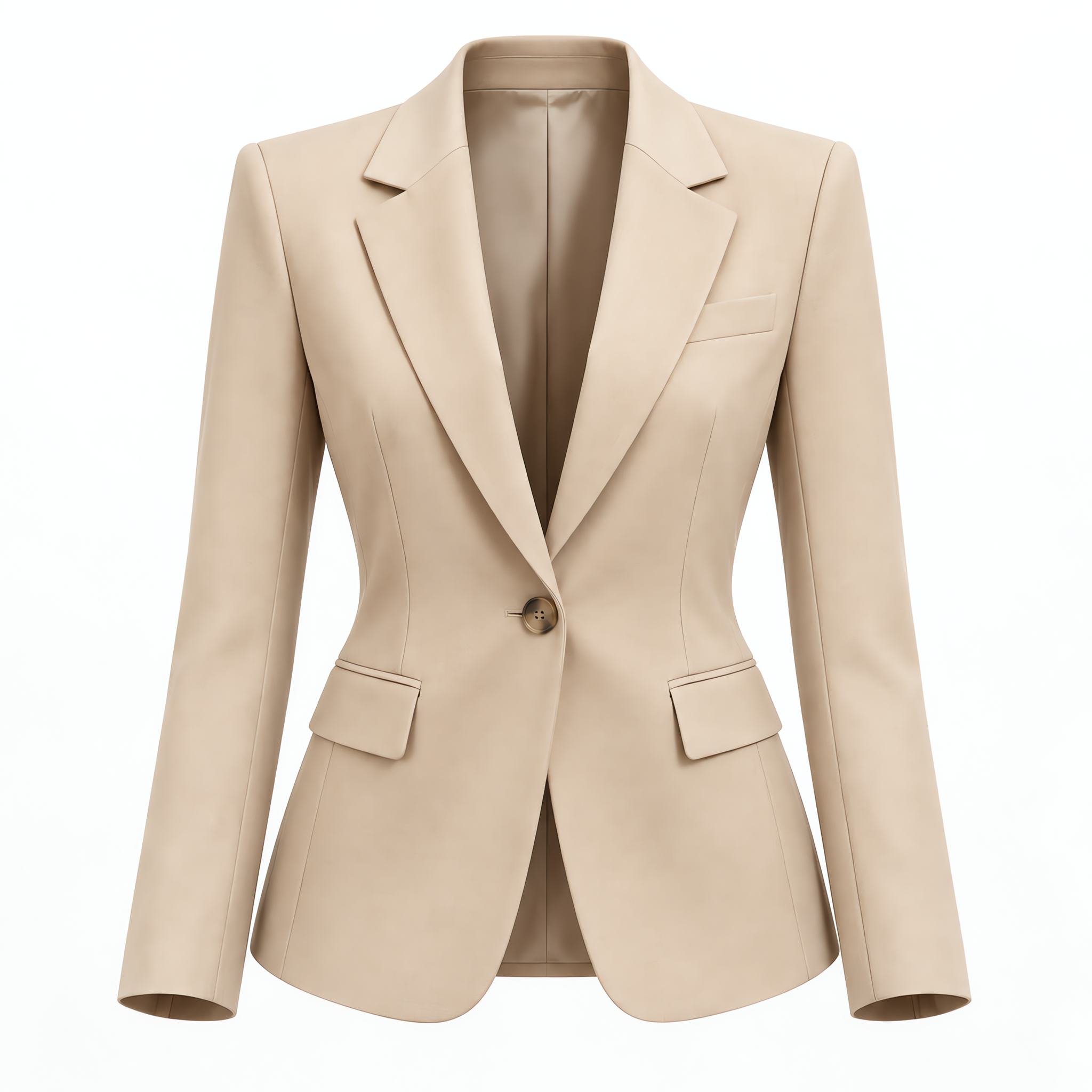
A ghost mannequin — also called an invisible mannequin or hollow man effect — is a product photo style where the model, mannequin, or hanger is removed while the garment keeps its natural worn shape. Shoppers see the neckline, sleeves, and fit as if an invisible person were wearing the item.
Why Ecommerce Sellers Use Ghost Mannequin Photos
Consistent apparel images help buyers compare shape and fit across a catalog. Marketplace and storefront sellers use ghost mannequin photography instead of on-model shots when they need a uniform look across hundreds of SKUs — and to avoid re-shooting every garment.
What Clothing Photos Can You Upload?
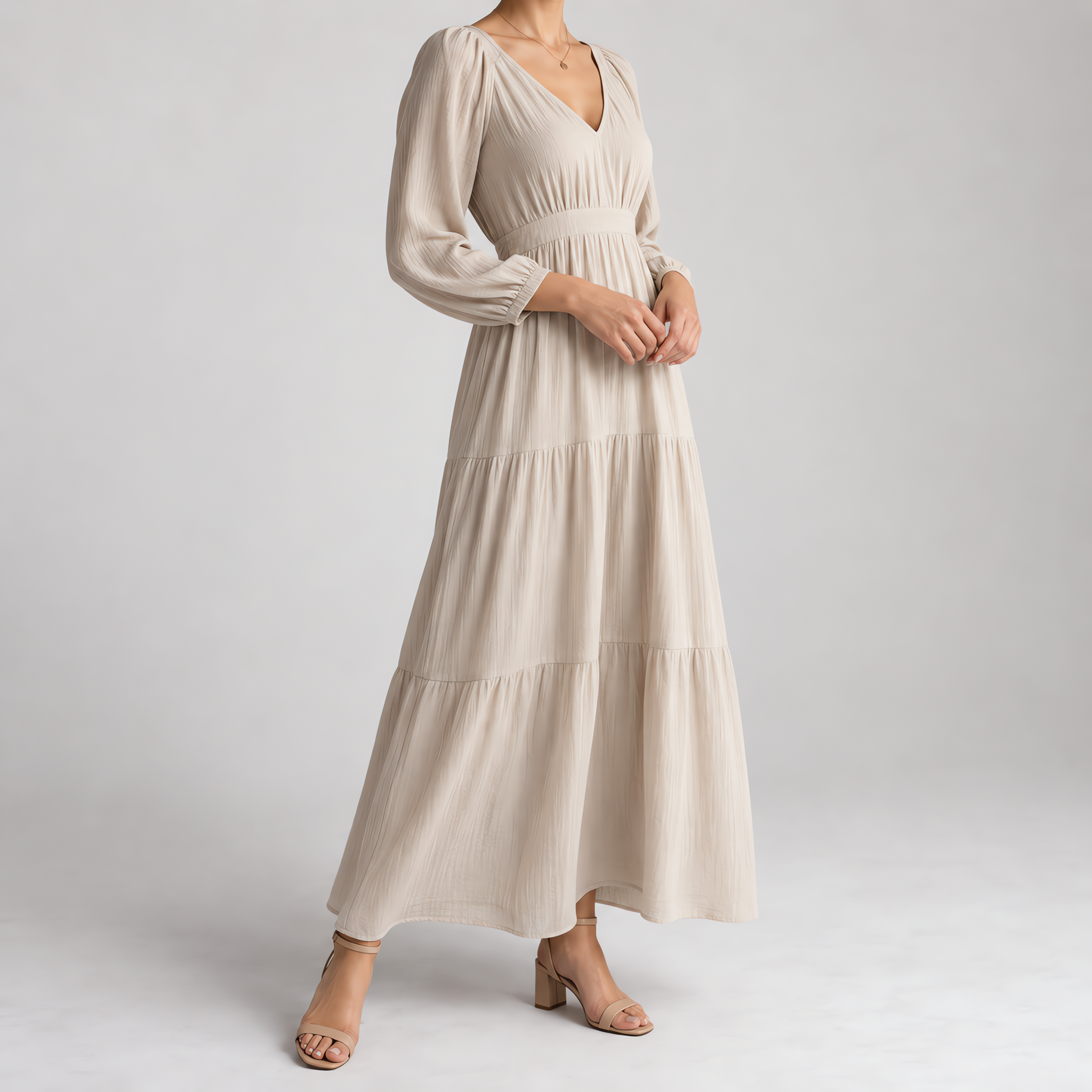 On-model
 photos — remove the visible body and keep the garment
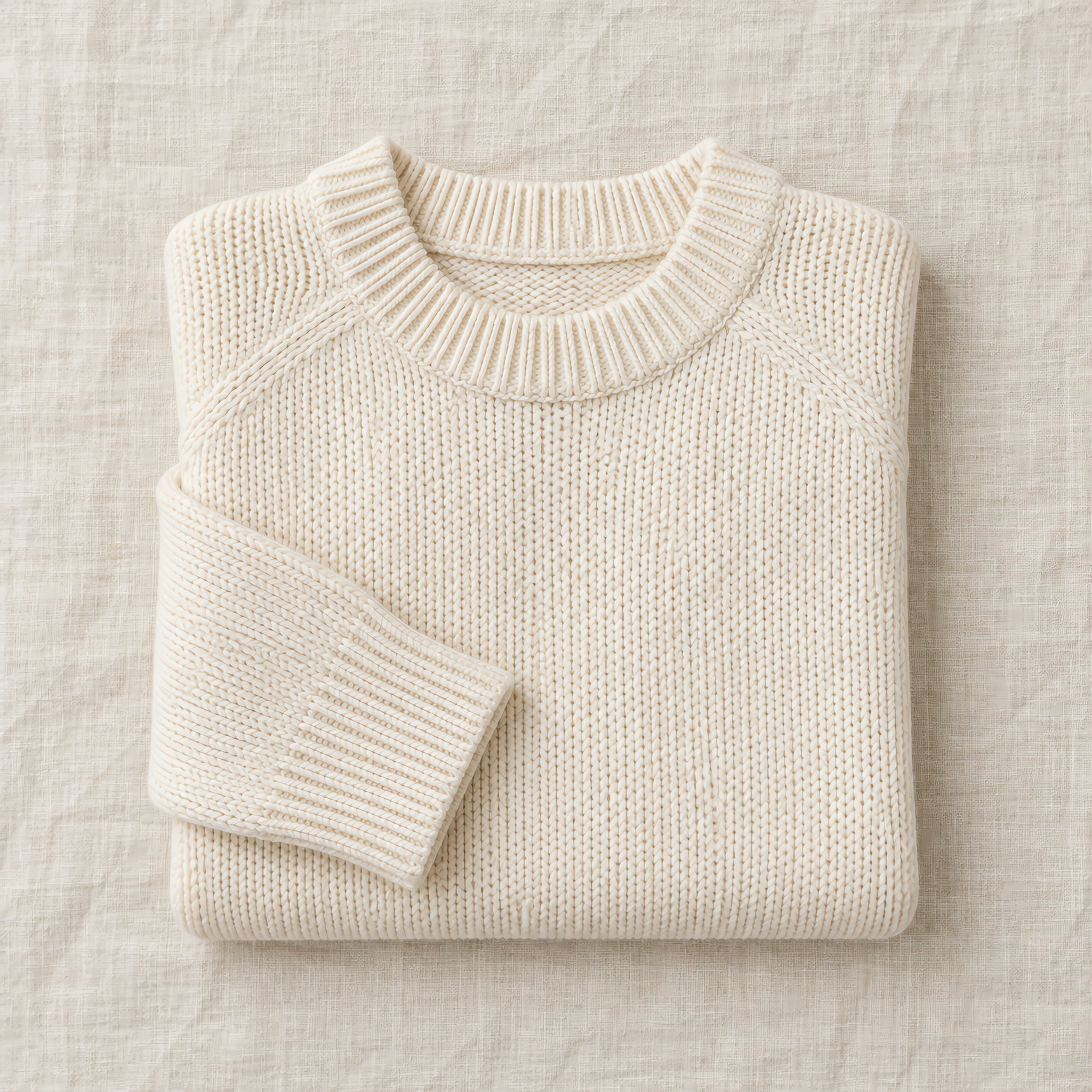 Flat lay
 photos — turn a folded shot into a structured ghost mannequin image
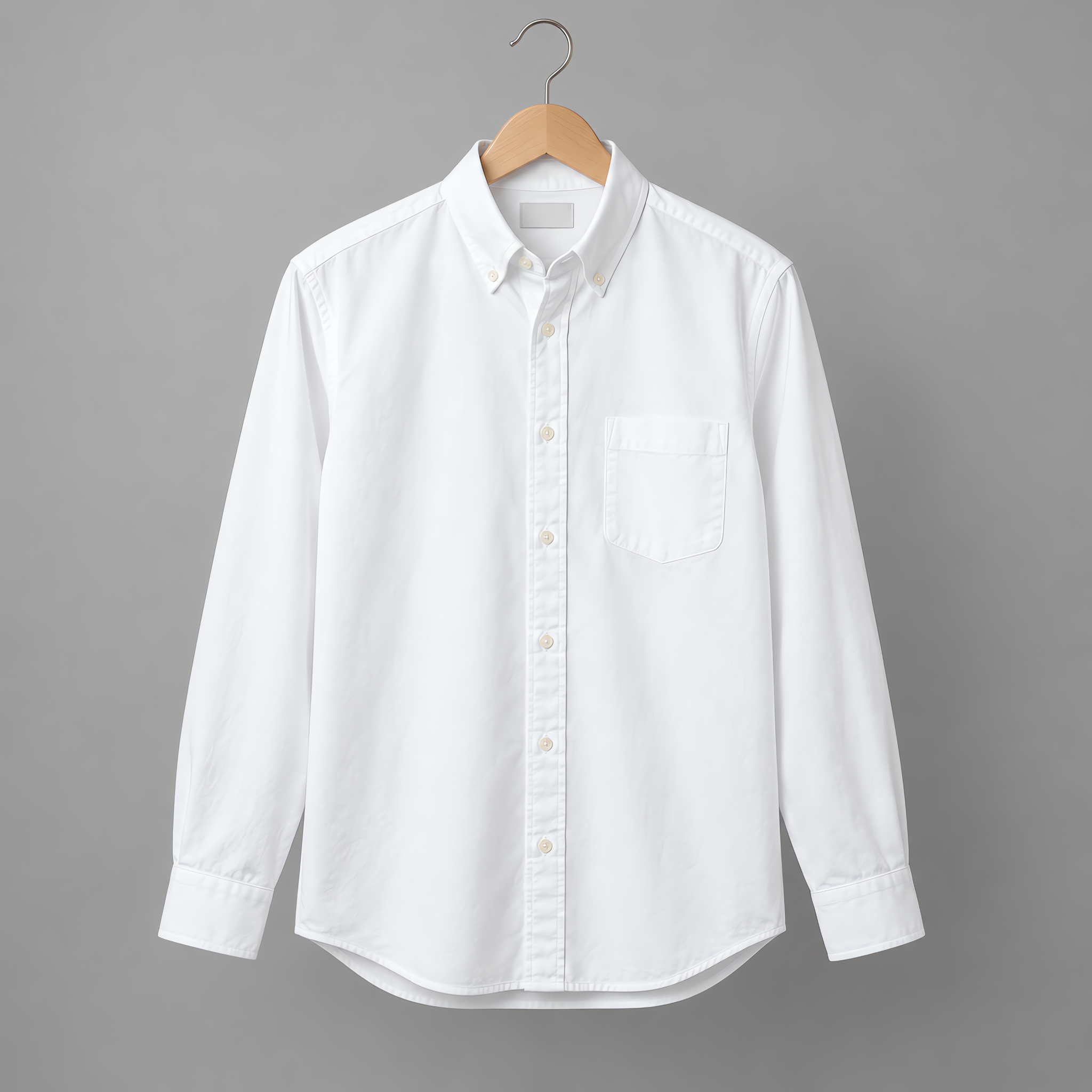 Hanger
 photos — strip the hanger and rebuild the shoulder shape
How to Create a Ghost Mannequin Photo in 3 Steps
- 1
Upload a photo
Drop an on-model clothing photo. Front-facing, full garment in frame works best.
- 2AI
AI removes the model
Our model segments the body, removes the human, and reconstructs the inside of the garment in one pass.
- 3
Download the result
You get a clean hollow-garment photo on a transparent or neutral background, ready for your product page.
Ghost Mannequin vs. Flat Lay and On-Model Photography
Flat lay is fast but hides fit. On-model shows fit but adds styling and model costs. Ghost mannequin sits between them: it shows structure and drape without a visible person, which is why it is the default for apparel catalogs.
Ghost Mannequin Cost: AI Tool vs. Editing Services
Traditional ghost mannequin editing services charge per image and can take hours or days. Dresspix generates the invisible mannequin effect in seconds, and you can start with free credits before paying anything.