AI Background Removal
Remove the background from product photos in seconds. Export a transparent PNG or a pure white background — no Photoshop, no signup.
Remove a background in one click
Free, no signup. Pick transparent PNG or white background, then download.
No photo handy? Generate a free sample cutout.
What Is AI Background Removal?
AI background removal uses a segmentation model to detect the subject in a photo and cut it out automatically — no lasso tool, no manual masking. It replaces the slowest step of product photo editing and returns a clean edge in seconds.
How to Remove a Background with AI
- 1
Upload your photo
Drop any product photo — apparel, footwear, accessories, home goods. JPG, PNG or WebP.
- 2AI
AI separates the subject from the background
The model detects the foreground and produces a clean alpha mask. Hair, fur and semi-transparent edges are preserved.
- 3
Download the cutout
Choose a transparent PNG to drop into any design, or a white background for a marketplace-ready main photo.
Built for Ecommerce Product Photos
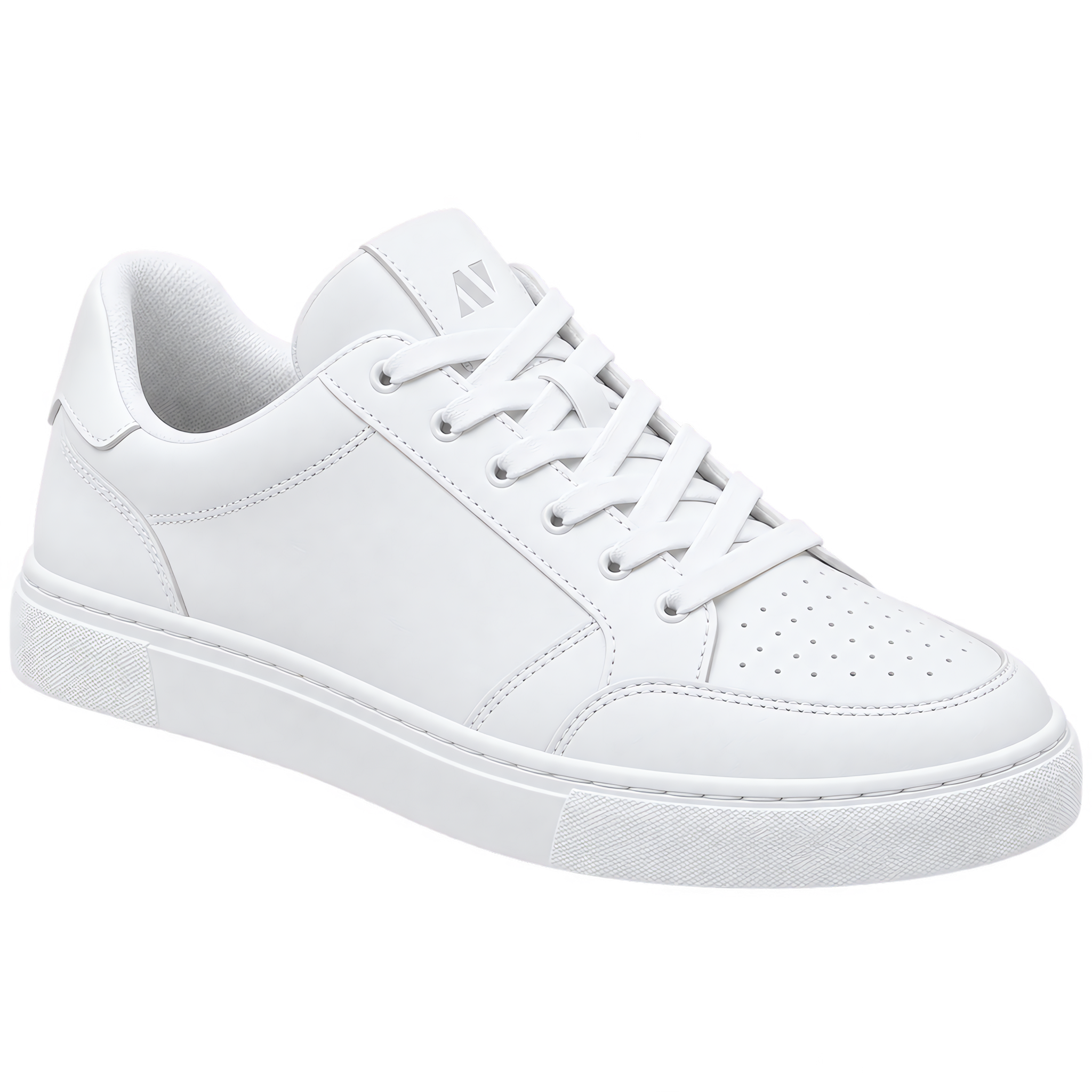
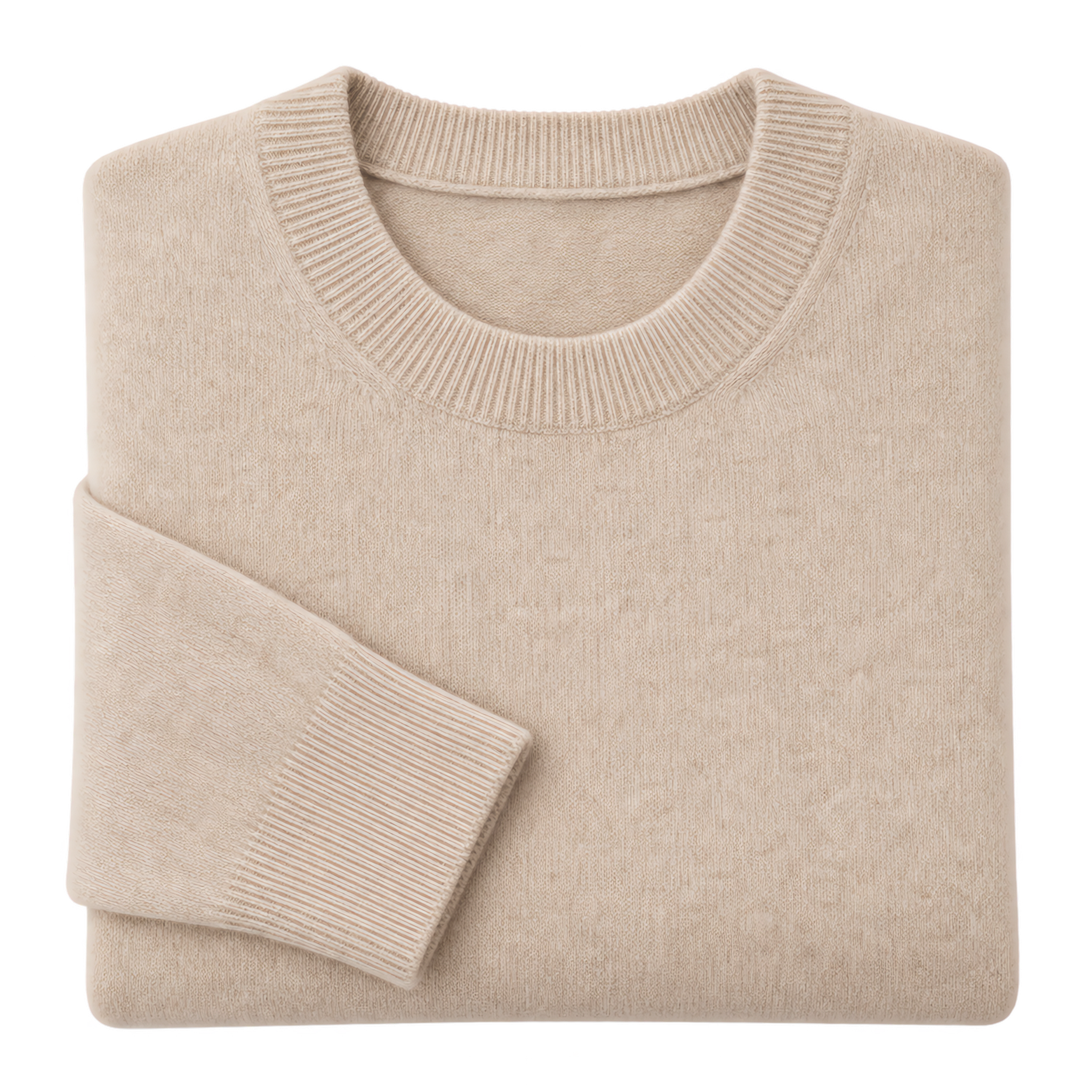
A clean white or transparent background is the baseline requirement for Amazon, Shopify and Etsy listings. Dresspix removes the background on apparel, footwear, accessories and home goods shots, so a whole catalog can look consistent without booking a studio.
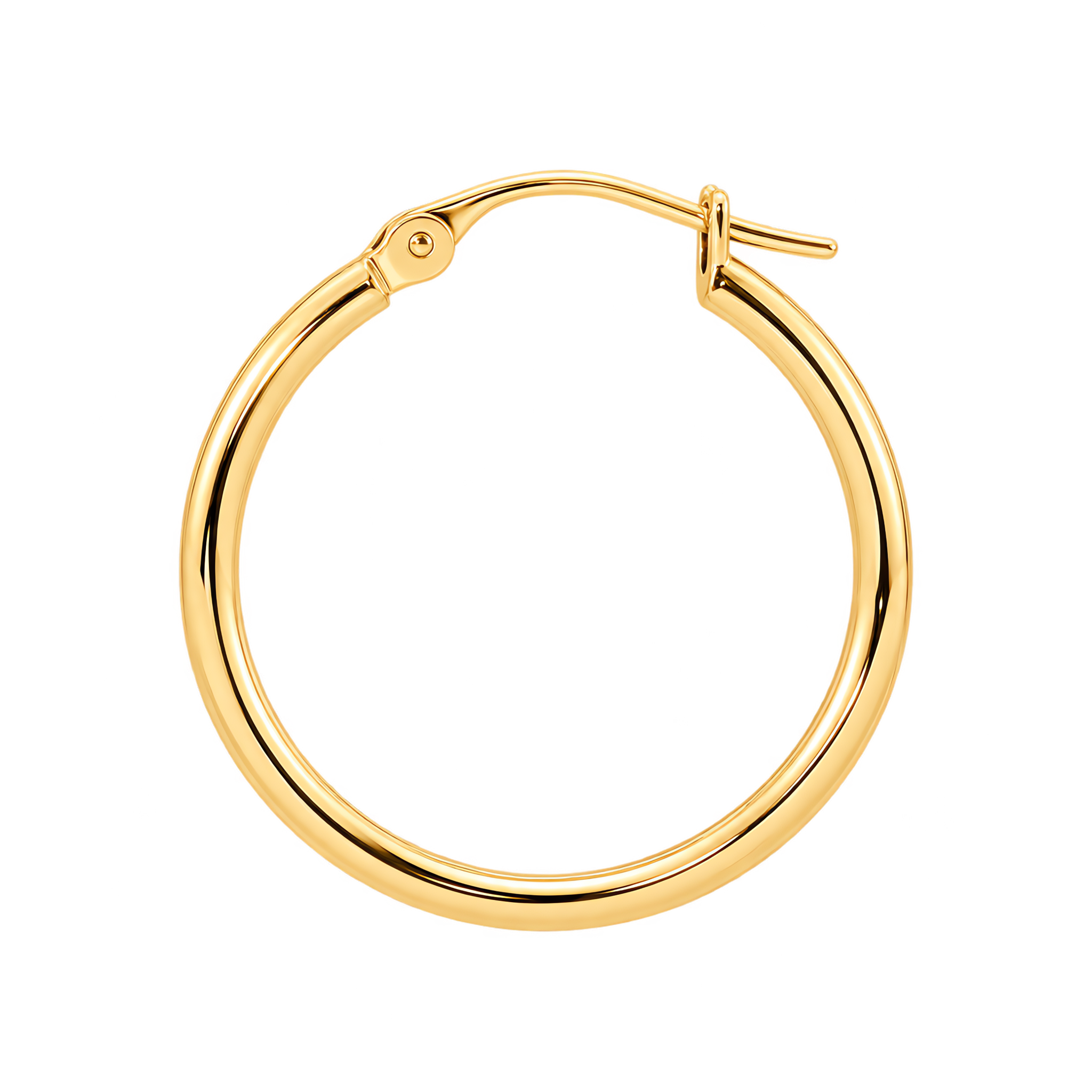
Jewelry 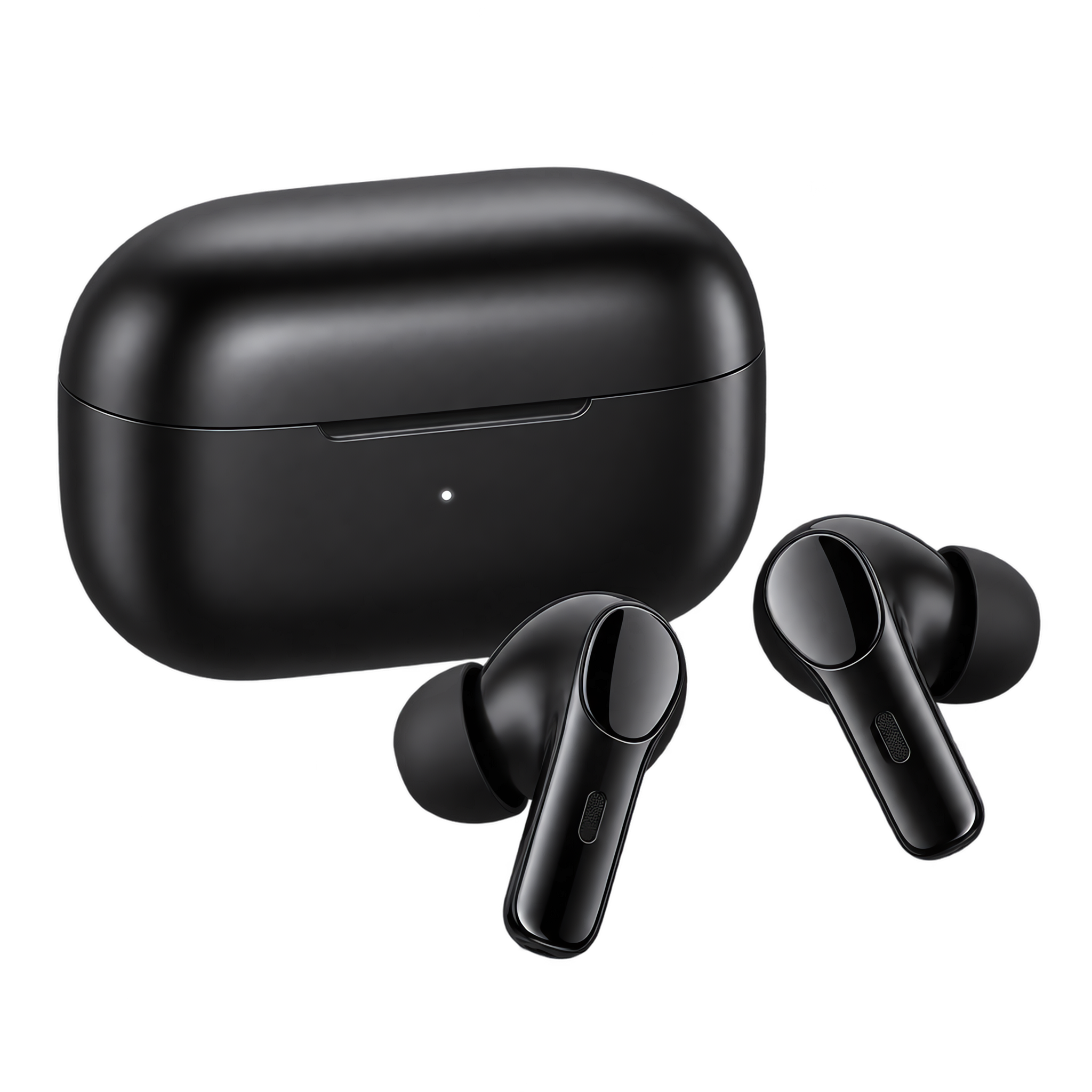
Electronics Footwear
Transparent PNG vs. White Background: Which Do You Need?
Most product photo workflows only need one of the two. Pick the format that matches where the image will be used.
- Transparent PNG: use this when the image will be composited later onto a storefront, an ad, or a marketplace template that already has its own background.
- White background: use this when the marketplace requires a pure white image for the main listing photo — the format Amazon, Shopify and Etsy enforce on category pages.
AI Background Removal vs. Manual Photoshop Masking
Manual masking gives fine control but takes minutes per image and needs a skilled retoucher. AI removal finishes in seconds and handles hair, fur and semi-transparent edges — which is why catalog teams usually keep manual masking for hero shots only.